Choose Hero/Masthead Background Video
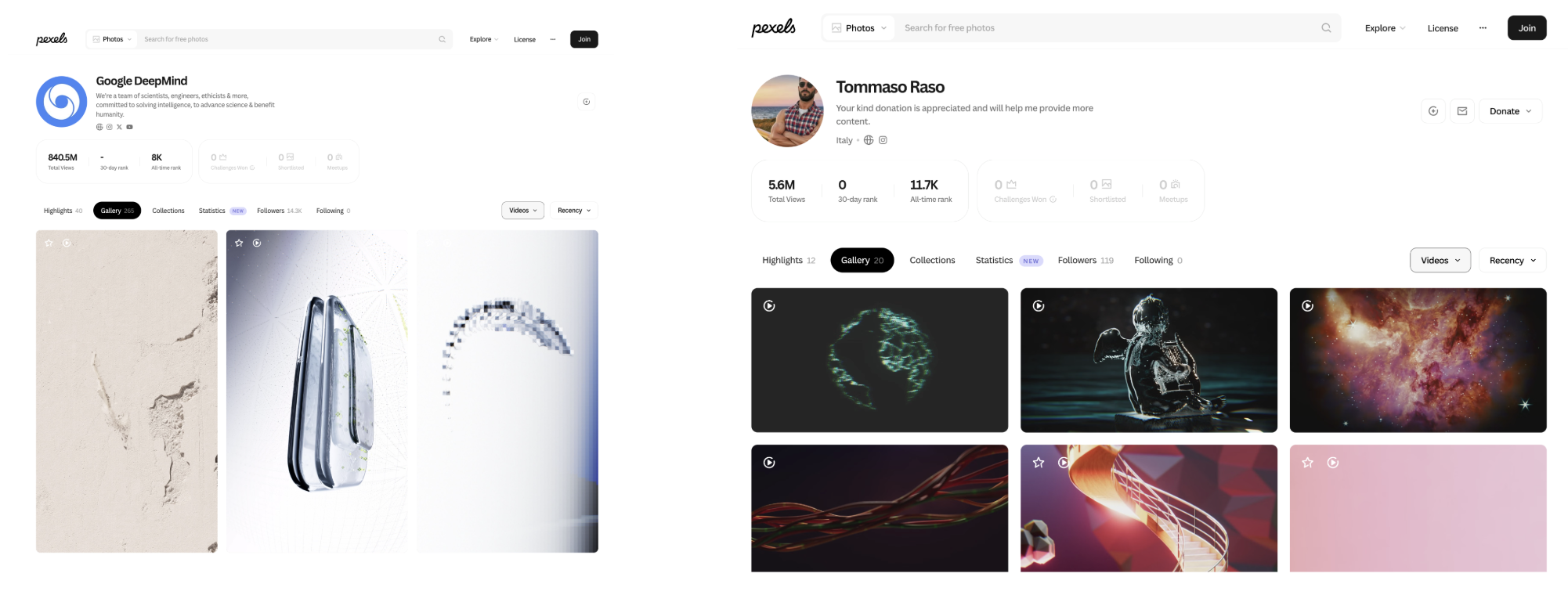
Start by selecting and downloading a video for your website’s masthead. Pexels offers free stock photos, royalty-free images and videos.
For today’s workshop, we’ve curated two video creators to help you get started quickly.
Choosing the Style Guide
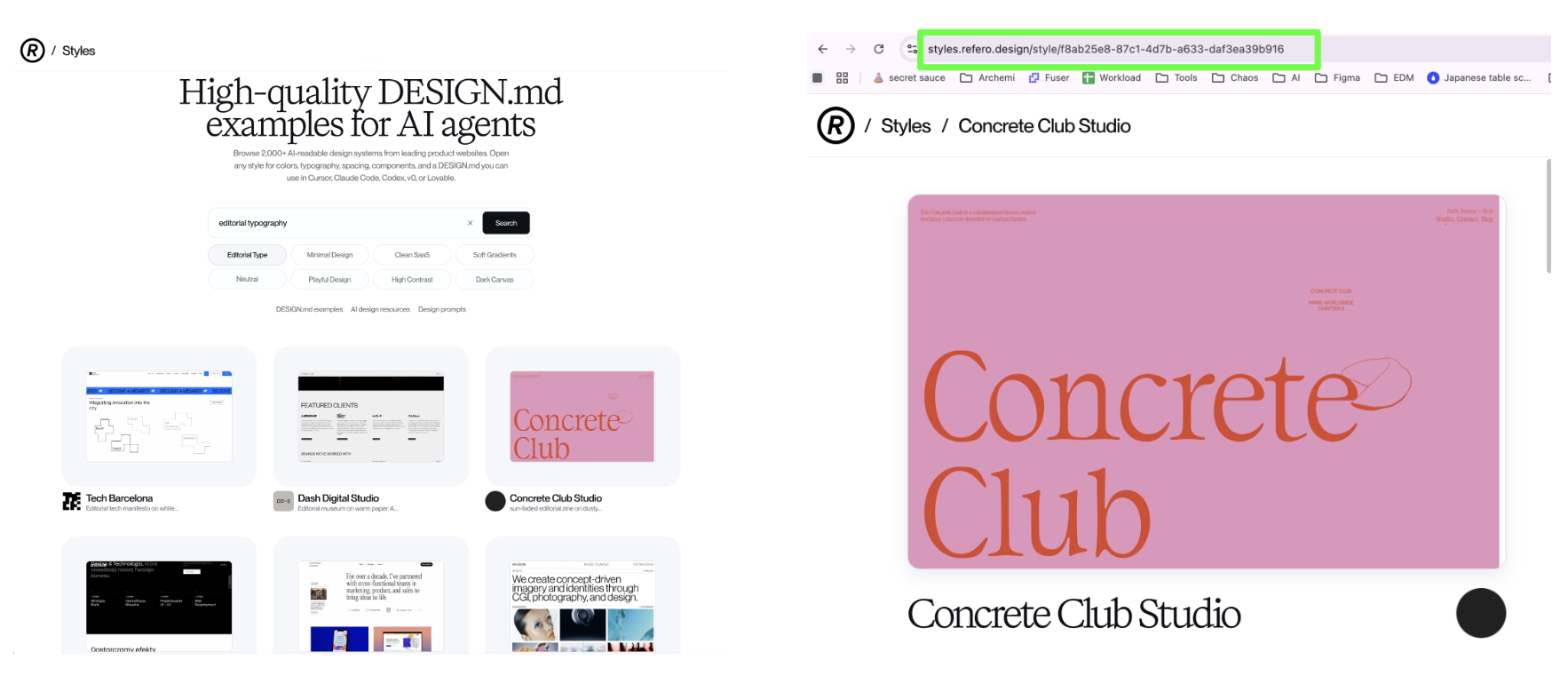
Next, visit Refero Styles and select a design.md reference for your website.
For an About Me page, start with the Editorial Typography category. Choose one design, open it, then copy and paste its URL into the prompt.
Introduction to Tympanus Codrops
Codrops is a source for interactive website components, including galleries, carousels, 3D experiences, hover effects and cursor interactions.
Find an effect you like, open its article, then copy and paste the article URL into your prompt so your AI agent can integrate it into your website.
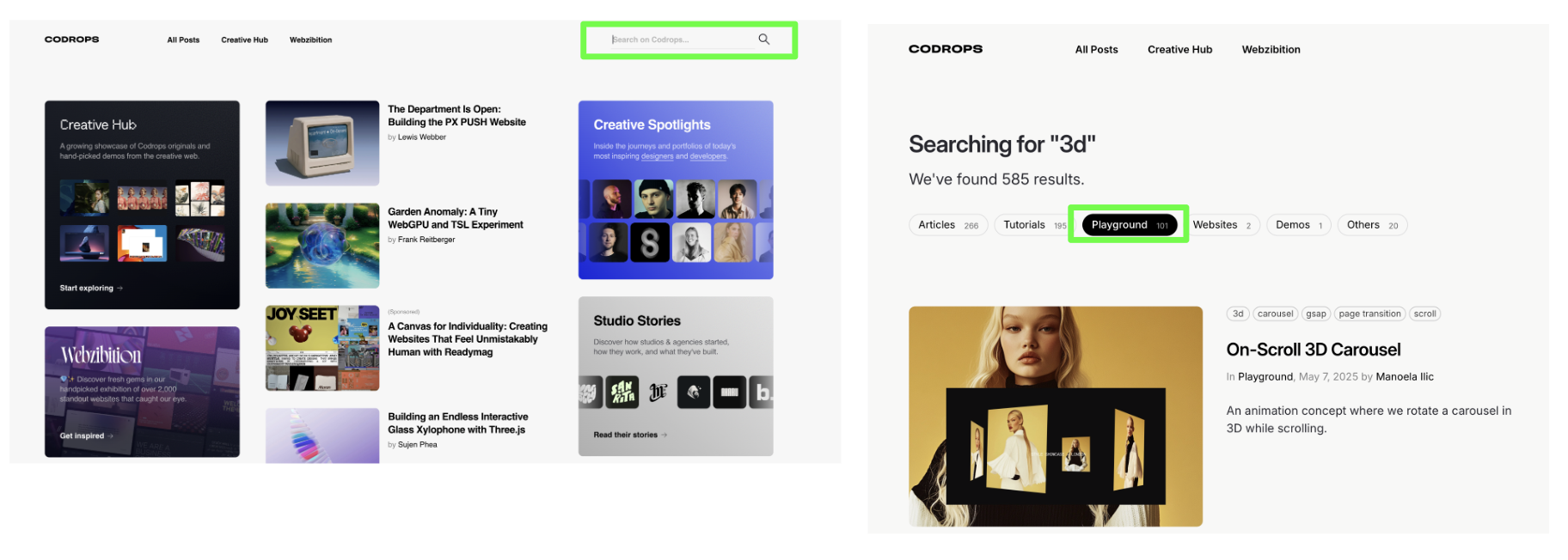
- Visit CodropsOpen the component library.
- Search an effectTry carousel, 3D, hover or cursor.
- Choose PlaygroundBrowse experiments with code and demos.
- Copy the article URLPaste the link into your AI prompt.
Choosing the Interactive Component to Integrate
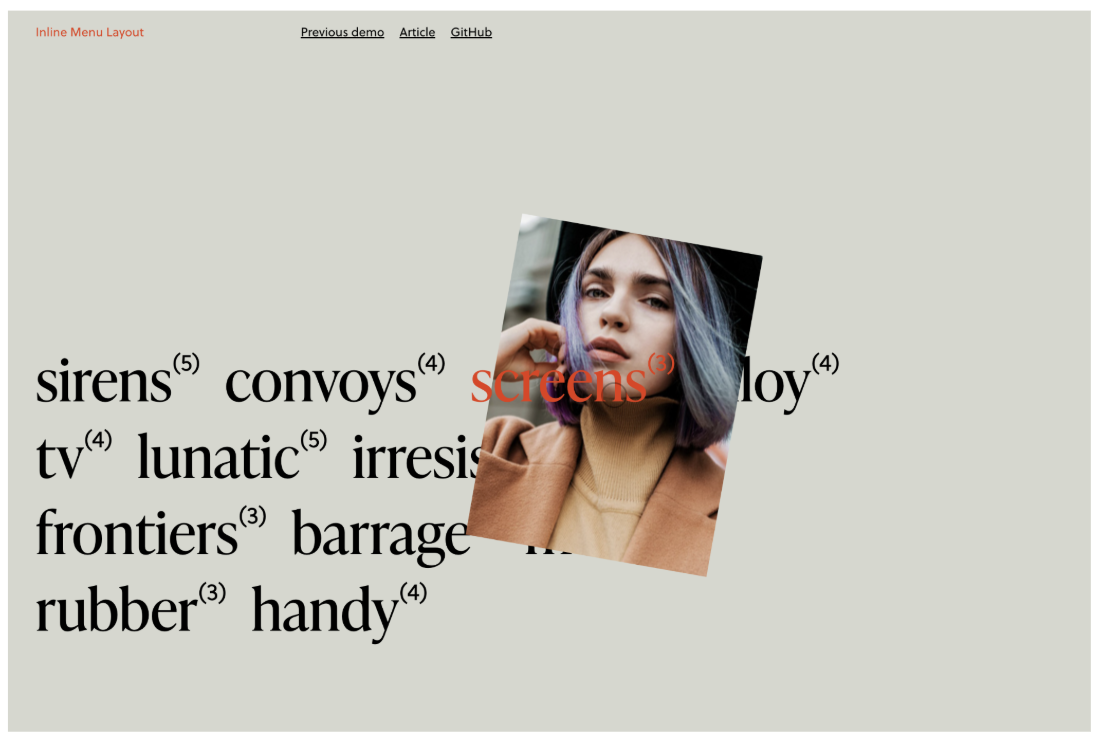
For today’s workshop, everyone will integrate the Inline Menu Layout—a hover interaction that highlights your different social accounts.
Open the demo, copy its URL and include it in your Section 3 prompt.
Alternative Suggestions
- Your AI experimentsCreate an interactive showcase of projects you have made.
- Animated cursor interactionBrowse cursor experiments on Codrops ↗
- LinkedIn résuméTurn your experience and career highlights into an interactive section.
- Recreate an inspirationShare a link to an interaction you saw on another website.